

In brief
- You can fix most coffee machine problems yourself in less than 10 minutes
- Always check the water reservoir, beans, and power supply first
- Regular maintenance prevents 80% of common malfunctions
A broken coffee machine can really disrupt your workday. Colleagues waiting impatiently, an empty coffee pot, and a machine that won’t cooperate—sound familiar? Fortunately, you can fix many common problems yourself without immediately calling a technician. With the right approach, you can resolve most issues and repair your coffee machine in just a few minutes. In this article, we’ll walk you through five common problems and provide concrete steps to tackle them yourself.
What is troubleshooting for coffee machines?
Troubleshooting involves systematically identifying and resolving issues with your coffee machine. You work through possible causes step by step, starting with the simplest and moving on to the more complex ones. This saves time and money by allowing you to resolve minor issues yourself before they escalate into major malfunctions. This is especially valuable for commercial coffee machines: less downtime means satisfied employees and uninterrupted coffee breaks.
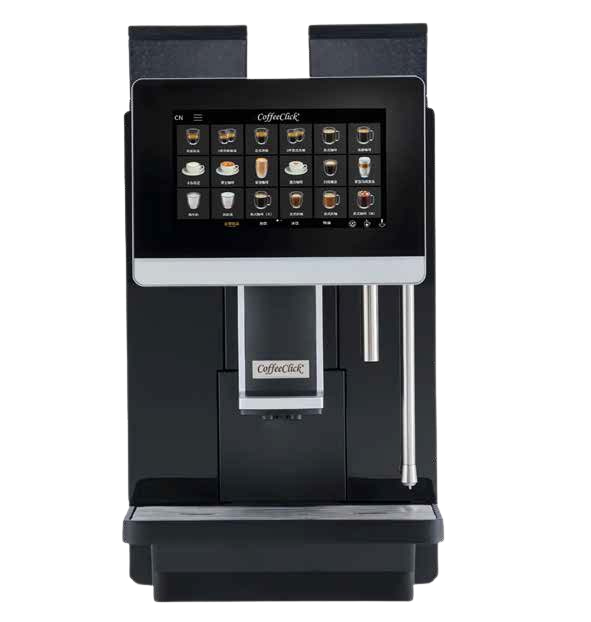
No coffee available: here's how to fix it
If your coffee machine suddenly stops dispensing coffee, there’s no need to panic right away. Start with the basics: check that the water reservoir is sufficiently filled and that there are still coffee beans in the hopper. Often, the problem is a clogged spout. Carefully remove any coffee residue with a damp cloth. Also check that all parts have been properly replaced after the last cleaning. A crookedly placed drip tray or collection tray can block the machine.

How to Fix a Leak in Your Coffee Maker
Water under or around your coffee machine usually indicates a simple problem. First, check to see if the drip tray is overflowing—forgetting to empty it is a common mistake. Next, inspect the rubber gaskets for wear or damage. In older machines, these gaskets can dry out and lose their effectiveness. Make sure all parts are securely connected and that there is no coffee grounds between the joints. A thorough cleaning often solves the problem.
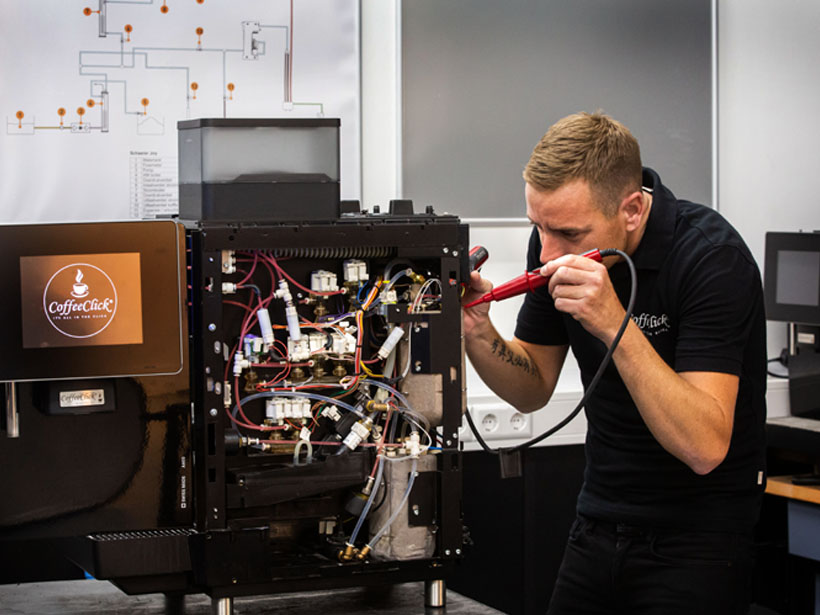
Problems with grinding coffee beans
Do you hear a strange noise, or are ground beans not coming through? The coffee grinder may be clogged with oil residue from the beans. Remove any remaining beans and clean the grinding chamber with a dry brush. Check to make sure no foreign objects, such as small stones, have gotten mixed in with the beans. Always use fresh, dry coffee beans—damp beans clump together and block the grinding mechanism. If necessary, adjust the grind setting.

Unreadable messages on the display
Cryptic error codes can be frustrating, but they often provide valuable information. Consult the user manual and look up the specific code. Common messages indicate maintenance tasks such as descaling or emptying the coffee grounds container. Try resetting the machine by turning it off, unplugging it, and restarting it after thirty seconds. Write down the exact message if the problem persists—this will help with any further support.
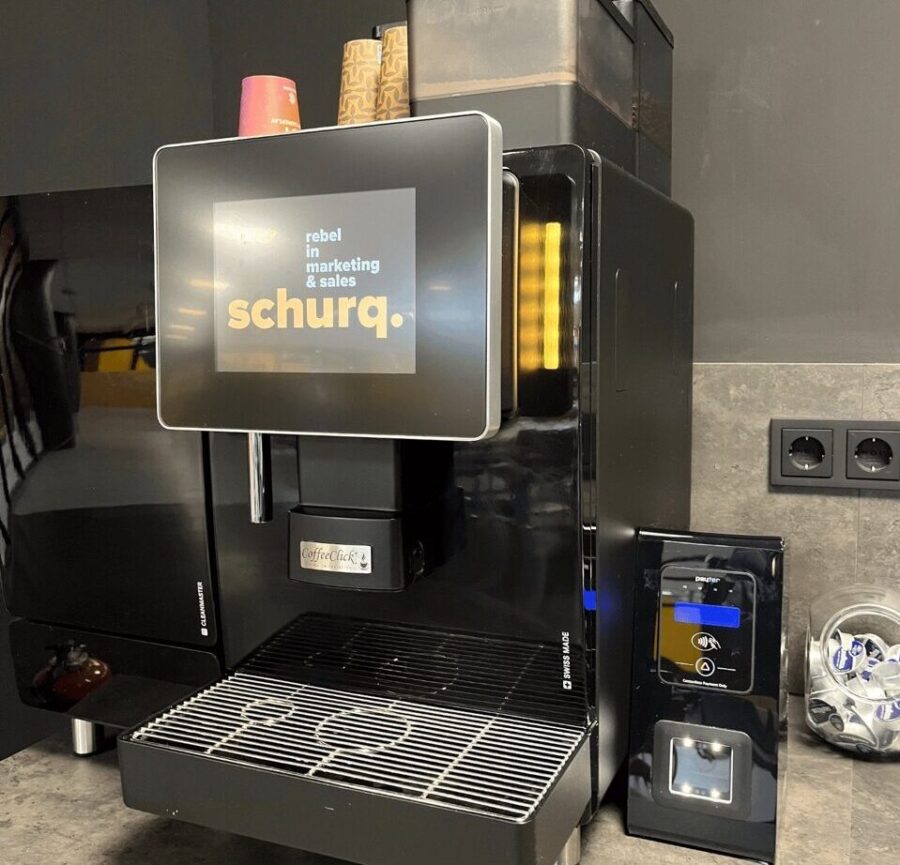
The device isn't responding at all
If your coffee machine stops working completely, you’ll need to check it systematically. Start with the power supply: is the plug securely inserted into the outlet? Check the cord for damage and test whether the outlet is working by plugging in another appliance. Some machines have a main switch on the back that may have been accidentally turned off. Also check the fuse in your fuse box. After a power outage, a reset may be necessary before the machine functions normally again.
Step-by-step guide: Troubleshooting your coffee machine
- Check the basics – Is the water tank full? Are there beans in the machine? Is the power cord plugged in?
- Check visible parts —drip tray, drip pan, and spout—for clogs
- Clean the spout – Remove coffee residue with a damp cloth
- Check the seals – Inspect the rubber components for wear or damage
- Reset the machine – Turn it off, unplug it, wait 30 seconds
- Refer to the manual – Look up error codes for specific solutions
- Document the problem – Write down any error messages in case you need further assistance
Getting started with your coffee policy
A good coffee policy starts with listening to your employees' wishes. Take stock of what they find important and what their preferences are. Then consider which business solutions suit the size and culture of your organization. With the right approach, coffee provision can make a valuable contribution to a pleasant, connecting work environment.
Frequently asked questions about coffee policy in hybrid working
How do I determine the right capacity for varying occupancy?
Base your decision on peak occupancy and choose a machine that has at least 20% more capacity. This will prevent queues on busy days.
What are the minimum coffee options required?
Offer at least espresso, lungo, cappuccino, and a decaffeinated option. Add oat milk or soy milk for employees who are lactose intolerant.
Is leasing more economical than purchasing?
Leasing often includes maintenance and repairs. This provides predictable monthly costs and prevents unexpected expenses.
How often should a coffee machine be serviced?
Follow the manufacturer's guidelines or consult your coffee supplier. On average, daily cleaning and monthly descaling are required for optimal performance.
What should I do in case of a malfunction?
Determine in advance who reports malfunctions and to which party. In the case of a lease contract, this is usually the supplier.
How can I encourage sustainable coffee consumption?
Choose coffee with a quality label, offer reusable cups, and actively communicate about the choices you have made.
Can I ask employees to contribute to the coffee costs?
This varies per organization. Transparency about costs and choices increases support.
How do I measure satisfaction with the coffee service?
Add a question to the periodic employee satisfaction survey or place a short questionnaire at the coffee corner.